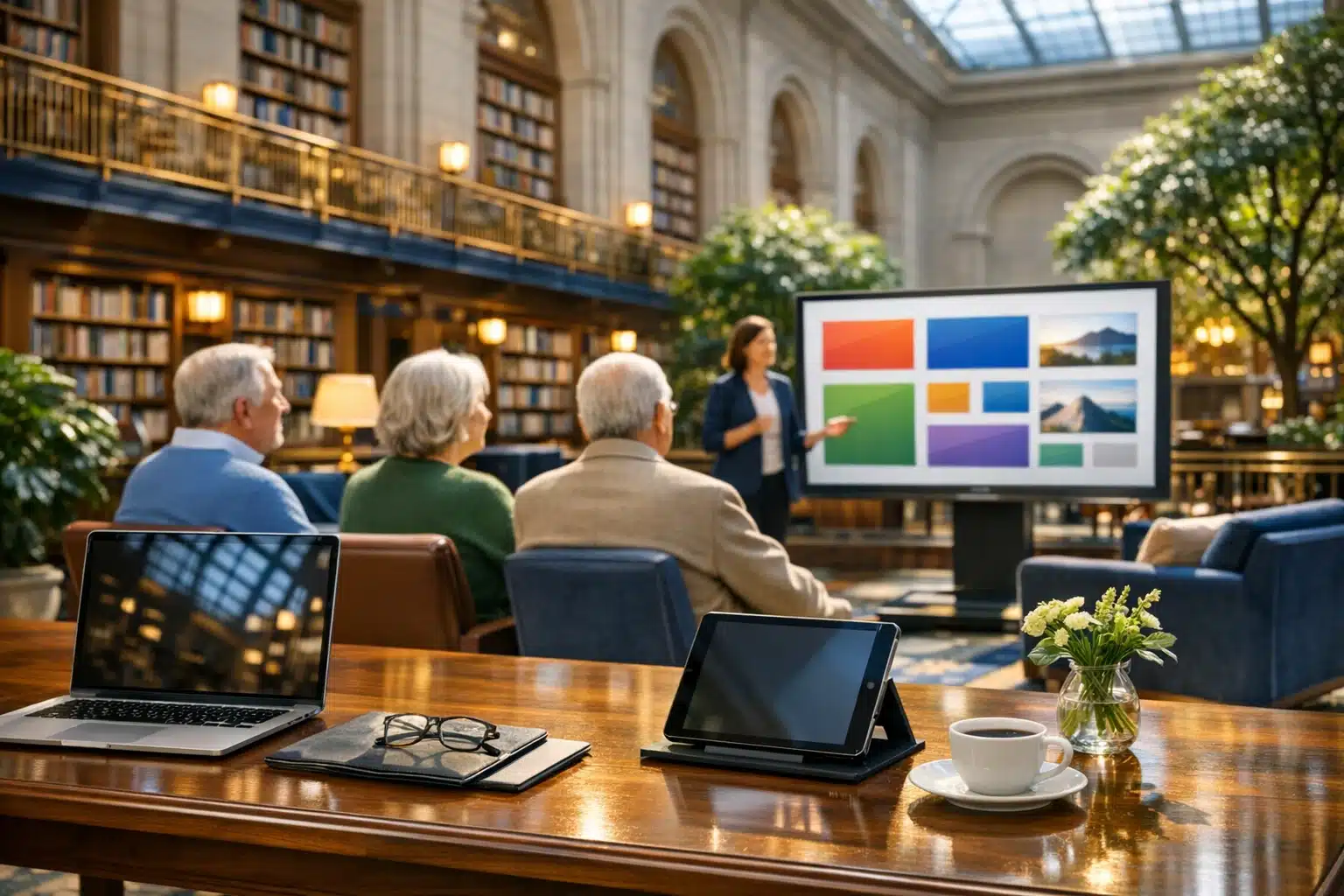
Computer Classes For Seniors: A Comprehensive Guide
Learning to use a computer later in life is less about chasing trends and more about staying connected, informed, and independent in a world shaped by screens. From booking medical appointments to sharing photos with family, digital skills can turn confusing tasks into manageable routines. Computer classes for seniors provide guidance, patience, and steady practice, helping technology feel useful instead of overwhelming.
Outline
- Why computer classes matter for older adults today
- How different class formats compare and what to look for
- The most valuable digital skills seniors can learn
- Common learning barriers and teaching methods that work
- How seniors can choose a program and keep building confidence
Why Computer Classes Matter for Seniors Today
Computer classes for seniors are important because digital tools now shape many parts of daily life. Activities that once happened in person or on paper are increasingly managed online, including banking, grocery orders, transit updates, insurance communication, and healthcare scheduling. For older adults, this shift can feel like someone quietly moved the front door to modern life and forgot to explain where the new entrance is. A well-designed class helps open that door without pressure. Instead of expecting learners to simply “figure it out,” good instruction provides a clear path from uncertainty to confidence.
The relevance of this topic is easy to see in current technology trends. Pew Research Center has reported that roughly three quarters of U.S. adults aged 65 and older use the internet, and smartphone ownership in this age group has grown sharply over the last decade. Those numbers matter because they show two things at once: seniors are already participating in the digital world, and many still need support to do so comfortably. Knowing how to use a browser, create a password, or recognize a scam is no longer a niche skill. It is part of modern independence.
The benefits of computer education for seniors are practical as well as personal. Many older learners sign up for classes because they want to:
- Stay in touch with children, grandchildren, and friends through email, messaging, or video calls
- Access telehealth portals, lab results, and appointment reminders
- Read news, join hobby groups, or explore lifelong learning resources
- Manage finances, bills, and household services more efficiently
- Feel less dependent on others for routine digital tasks
There is also an emotional dimension that should not be ignored. Technology frustration can create embarrassment, especially when family members explain things too quickly or use unfamiliar terms. A patient class setting changes the atmosphere. Mistakes are treated as part of learning rather than proof of failure. That shift matters. Confidence grows when a learner discovers that sending one clear email or joining one video call is not magic at all, just a series of steps that can be repeated.
Computer classes can also support social inclusion. Isolation is a major concern for many older adults, especially after retirement, relocation, bereavement, or mobility changes. Digital literacy does not solve loneliness by itself, but it can create more ways to connect. A senior who learns how to use a tablet may attend a virtual book club, watch a grandchild’s recital online, or join a local community forum. In that sense, a computer class is not only about screens and software. It is often about access, participation, and dignity in everyday life.
Comparing Class Formats and Choosing the Right Learning Environment
Not all computer classes for seniors are alike, and format can shape the learning experience as much as the lesson content. Some courses are held at libraries, senior centers, community colleges, nonprofit organizations, faith-based groups, or adult education programs. Others are offered online through video platforms, learning portals, or one-on-one tutoring services. Each model has strengths, and the best option depends on the learner’s goals, comfort level, transportation, physical needs, and preferred pace.
In-person classes are often the best starting point for complete beginners. They provide face-to-face guidance, immediate help with devices, and a more relaxed environment for asking questions. If a learner cannot find the power button or is unsure where the mouse pointer went, an instructor can step in right away. This matters more than it may seem. Small practical problems can derail a lesson for someone who is new to technology, so direct assistance often leads to better early success.
Online classes, by contrast, are convenient for seniors who already have basic device skills or who cannot travel easily. They can be especially helpful for people living in rural areas or for those who prefer learning at home. However, online instruction assumes the learner can already join a session, adjust audio, and manage a screen interface. That means online courses may be excellent for intermediate students but difficult for true beginners unless a family member or helper sets things up first.
When comparing programs, seniors and caregivers should look beyond marketing language and focus on teaching conditions. Useful questions include:
- Is the class designed specifically for older adults, or is it mixed with all age groups?
- How large is the class, and how much individual help is available?
- Does the instructor use plain language instead of technical jargon?
- Are printed handouts provided for review at home?
- Can learners bring their own device, such as a laptop, tablet, or smartphone?
- Is there time for repetition and practice during the session?
Accessibility also deserves close attention. A strong senior-focused class may offer larger screens, slower demonstrations, hearing support, adjustable text size, and seating that allows comfort over longer sessions. Some programs even include step-by-step workbooks with screenshots, which can be far more useful than abstract notes. The difference between a frustrating class and a productive one is often not brilliance on the part of the teacher, but thoughtful pacing and accessible materials.
Cost is another factor, though free does not always mean better and paid does not always mean better either. Libraries and nonprofits often provide excellent instruction at no charge. Private tutoring can be more expensive, but it may deliver faster progress for learners with very specific goals, such as setting up online banking or organizing family photos. The ideal class is the one that fits the learner’s actual life. A gentle local workshop may do more good than a polished advanced course that feels too fast from the first minute.
The Core Skills Seniors Often Learn and Why They Matter
A strong computer class for seniors usually begins with the basics, but “basic” should not be confused with unimportant. Foundational skills are the tools that make every other digital task possible. Learners often start by understanding the parts of a computer, how to use a mouse or trackpad, how to open and close programs, and how to type with more confidence. On a tablet, that may mean learning taps, swipes, icons, and settings. These first steps may seem small, yet they often bring the biggest sense of progress because they turn the device from a mystery into an object with logic.
From there, classes commonly move into internet use. Seniors learn how to open a browser, search for information, identify reliable websites, and avoid misleading links. This area is especially valuable because online misinformation, scam websites, and fake alerts are common. A thoughtful instructor will explain how to recognize suspicious pop-ups, why secure websites matter, and how to pause before clicking on urgent messages. For older adults, cybersecurity is not an advanced topic reserved for experts. It is an everyday safety skill.
Email is another core subject because it remains one of the simplest ways to communicate with family, doctors, service providers, and community groups. A class may teach how to create an account, write messages, open attachments, and organize an inbox. Video calling often follows, especially through platforms such as Zoom, FaceTime, or Google Meet. Here the appeal is obvious: a learner who once felt shut out of distant family moments can suddenly attend birthdays, chat with grandchildren, or join interest groups from the kitchen table.
Many senior classes also include practical task-based lessons, such as:
- Setting and managing passwords
- Using search engines effectively
- Shopping online with care
- Accessing patient portals and telehealth systems
- Reading digital news and library resources
- Saving photos and finding files later
These lessons matter because they connect directly to real life. A senior does not need to become a technology enthusiast to benefit from digital learning. Often the goal is much more down to earth: paying a bill, renewing a prescription, checking the weather, printing a form, or joining a hobby community. Classes are most successful when they teach actions that learners can use the same week.
Some programs go further and introduce cloud storage, online calendars, document editing, and digital entertainment. That can be useful, but only if the foundation is stable. A good curriculum builds from practical needs outward. First comes “How do I do this task?” Then comes “What else can this device help me with?” That sequence respects the learner’s time and avoids the common mistake of overwhelming beginners with too many features at once. In many cases, the most effective class is not the one that covers the most material. It is the one that helps the student remember, repeat, and use what matters.
Common Challenges Seniors Face and the Teaching Approaches That Work Best
Learning technology later in life can bring a distinct set of challenges, and acknowledging them openly makes instruction far more effective. One common barrier is speed. Modern software often assumes familiarity, so menus, notifications, and updates can feel relentless. A younger user may click through by instinct, while a new senior learner may need time to read every word and understand what each option does. That difference is not a sign of inability. It simply means the teaching pace must match the learner rather than the machine.
Physical changes can also affect the classroom experience. Vision needs may require larger fonts, stronger contrast, and clearer printed materials. Hearing changes may make audio instructions harder to follow, especially in busy rooms. Arthritis or reduced dexterity can make mouse control difficult, while memory changes may make multi-step tasks harder to retain after one demonstration. Effective teaching responds with practical adjustments rather than vague encouragement. For example, a slower mouse setting, a larger keyboard, or written steps with screenshots can dramatically improve comfort and recall.
Another major issue is confidence. Many seniors are not starting from zero knowledge; they are starting from years of being told, directly or indirectly, that technology is “easy” when it has not felt easy at all. That gap creates frustration and sometimes embarrassment. The best instructors understand that emotional safety matters. They normalize questions, welcome repetition, and avoid language that makes students feel left behind.
Teaching methods that work well in senior computer classes often include:
- One concept at a time rather than crowded lessons
- Frequent repetition using the same task in slightly different ways
- Plain language instead of unexplained acronyms or jargon
- Hands-on practice during class rather than long lectures
- Printed guides with large text and visual examples
- Regular review of previous lessons before moving ahead
Comparison is useful here. A general adult tech course may prioritize speed, broad coverage, and independent problem-solving. A senior-focused course typically emphasizes patience, familiarity, and supported repetition. Neither model is inherently superior, but they serve different learners. If an older adult leaves class feeling rushed, confused, or ashamed to ask for help, the teaching format is probably wrong. By contrast, if the learner leaves with one completed task and the confidence to repeat it at home, the course is doing its job.
There is also value in storytelling and relevance. Seniors often learn best when a lesson connects to a concrete goal: “Let’s send a photo to your daughter,” “Let’s refill a prescription online,” or “Let’s find the community center calendar.” Abstract exercises rarely stick as well as meaningful ones. A useful class makes technology feel less like a test and more like a set of tools waiting to be used. When that happens, learning stops feeling like catching up and starts feeling like gaining ground.
Conclusion for Seniors: How to Start, Stay Motivated, and Keep Building Skills
If you are a senior considering a computer class, the best place to begin is not with the most advanced course or the newest device. Start with your own life. Ask what you most want technology to help you do. Maybe you want to join a video call without assistance, organize family photos, read local news online, or message relatives without waiting for someone else to set things up. A clear personal goal makes learning feel relevant from the first lesson, and relevance is often what keeps motivation steady.
When choosing a class, look for a calm pace, a patient instructor, and room for repetition. If possible, pick a program that lets you practice on your own device, because familiarity helps memory. Bring a notebook, write down steps in plain language, and do not worry about asking the same question more than once. Repetition is not failure. It is how many people learn, especially when the task is new and the vocabulary is unfamiliar. Progress may feel slow at first, then suddenly one day the sequence clicks, and what seemed tangled becomes routine.
It also helps to build a simple practice habit at home. Ten or fifteen minutes of focused repetition is often more effective than a long session once a week. You might practice opening the browser, sending one email, or reviewing saved passwords in a secure way. Small victories matter. Every completed action strengthens memory and reduces hesitation the next time. In this process, confidence grows quietly. It does not arrive with fireworks. It arrives when a task that once required help becomes something you can do on your own.
For families and caregivers, support works best when it is respectful. Fast explanations, grabbing the mouse, or finishing the task for someone may solve the immediate problem but often reduce confidence in the long run. A better approach is to slow down, explain one step, and let the learner complete it. Independence is built through participation, not observation.
In the end, computer classes for seniors are about far more than devices. They offer access to services, stronger communication, safer online habits, and a renewed sense of capability. Technology may never feel charming every day, and that is perfectly fine. It only needs to become useful, understandable, and manageable. With the right class, a supportive pace, and a little curiosity, seniors can build digital skills that make modern life easier and more connected on their own terms.